Pipe Link
The Pipe is the fundamental link component in R-THYM. While nodes represent specific physical locations or boundary conditions, pipes are the conduits that transport fluid between them. Pipes calculate the frictional headloss as water moves through the network and are the medium through which high-pressure acoustic waves travel during transient events.

UI Workflow (Drawing Pipes)
Unlike nodes, you cannot simply drag and drop a standalone pipe onto the canvas. A pipe must always connect two existing nodes.
To draw a pipe, follow this specific workflow:
Step 1: Left-click the Pipe icon in the Component Toolbar. 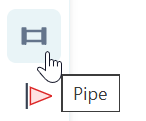
Step 2: Look at the blue notification bar at the bottom of the screen. It will prompt you to select the starting node. Hover over your desired source node (it will highlight in blue) and click it. 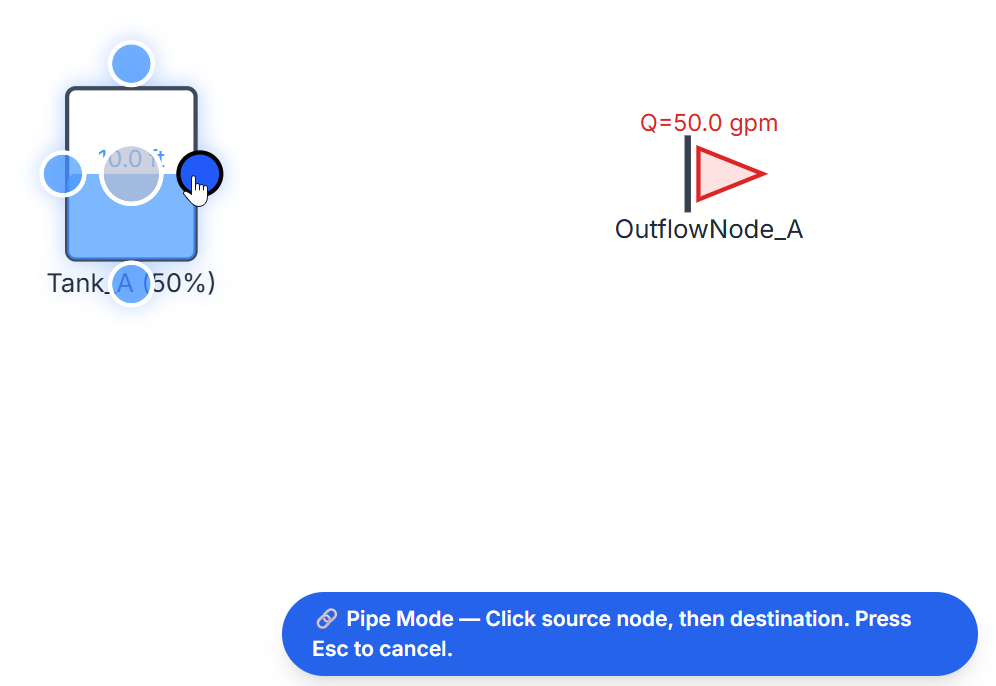
Step 3: The notification bar will update, asking you to click the destination node. Hover over the second node and click to finalize the connection. (Note: You can press Esc at any point during this process to cancel pipe drawing). 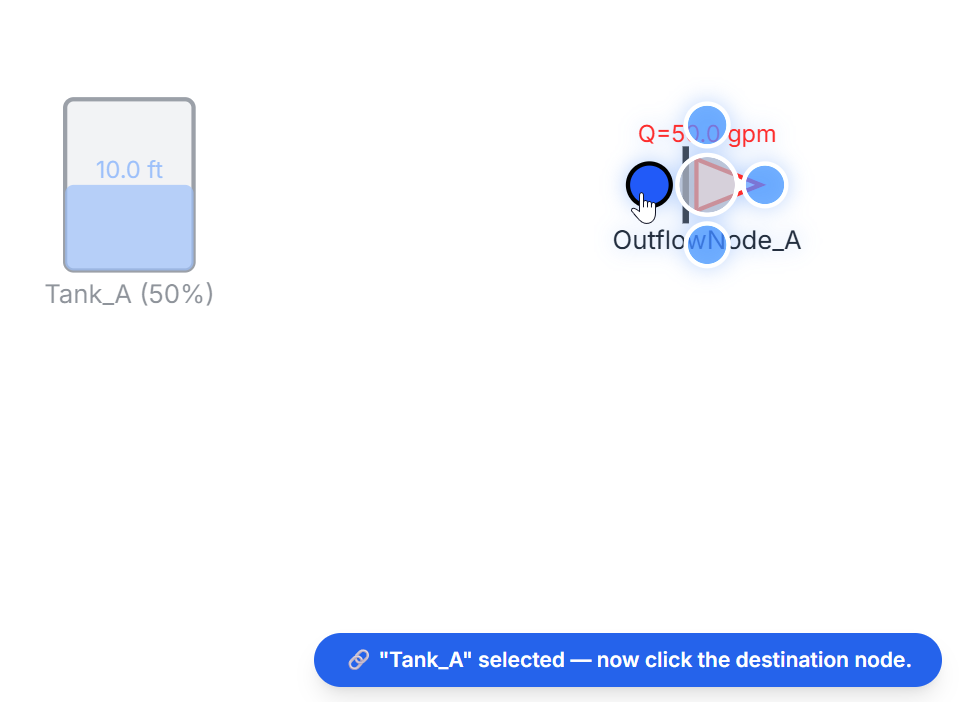
Configuration and Properties
As soon as you successfully click the destination node, the New Pipe properties dialog will automatically appear.

Configuring a pipe accurately is essential, particularly if you plan to run Transient (MOC) simulations. The properties include:
- Diameter (in) and Length (ft): The fundamental physical dimensions that dictate flow capacity and frictional surface area.
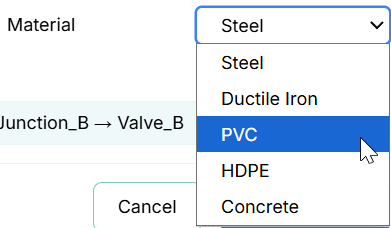
- Material: Selecting the correct material (e.g., PVC, Ductile Iron, Steel) is critical! The material dictates the default pipe roughness for calculating steady-state headloss. More importantly, it profoundly impacts the Wave Speed (a) during surge simulations. More rigid materials (like steel) result in faster acoustic wave speeds, which translates to exponentially higher surge pressure spikes during water hammer events compared to softer materials (like PVC).
- Wall Thick. (in): The pipe wall thickness works in tandem with the material's bulk modulus. The physics engine uses this to calculate the elasticity of the pipe wall, further refining the acoustic wave celerity.
- Flow Direction: By default, pipes are Bidirectional, meaning water can flow either from Source → Destination or Destination → Source depending entirely on the hydraulic grade line. If you uncheck this box, the pipe will act as if it has an integrated check valve, exclusively permitting forward flow and blocking any reverse flow.
Pipe Materials Library
To access the Pipe Materials Library, click the Data menu in the top navigation bar and select Pipe Materials.
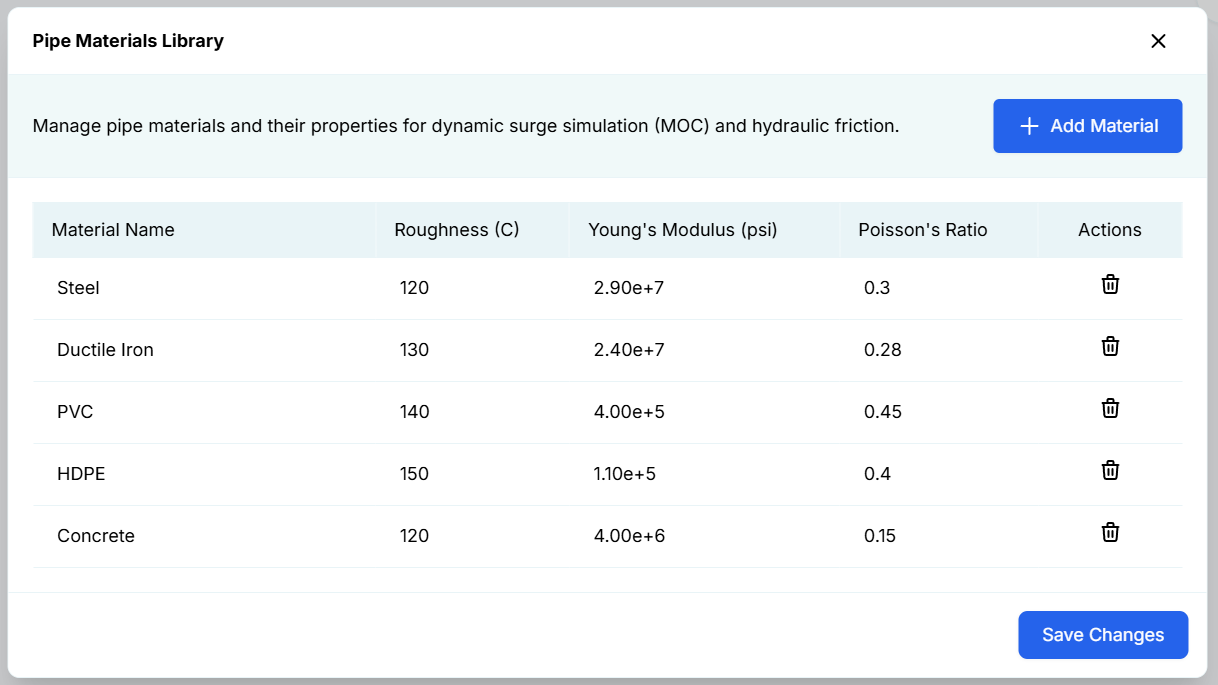
This library acts as a global dictionary for pipe properties. Rather than manually typing out the physical properties for every single pipe in your network, you can define materials here.
- Add Material: Click the blue button to create a custom material definition.
- Properties: For each material, you can define the standard steady-state Roughness (C) (Hazen-Williams C-factor), as well as the Young's Modulus (psi) and Poisson's Ratio which are critical physical properties required by the Method of Characteristics (MOC) engine to calculate transient wave speeds.
- Global Updates: Any changes made to a material in this library will automatically apply to all pipes currently using that material across your entire digital twin network.