File & Map Navigation
The Dashboard
Managing Your Projects
As you create and save multiple models, you can manage all of your files from your central user dashboard.
The Dashboard
To access the Dashboard: - Click Open Your Dashboard from the landing page. - Or, from within the modeling interface, click File -> Dashboard.
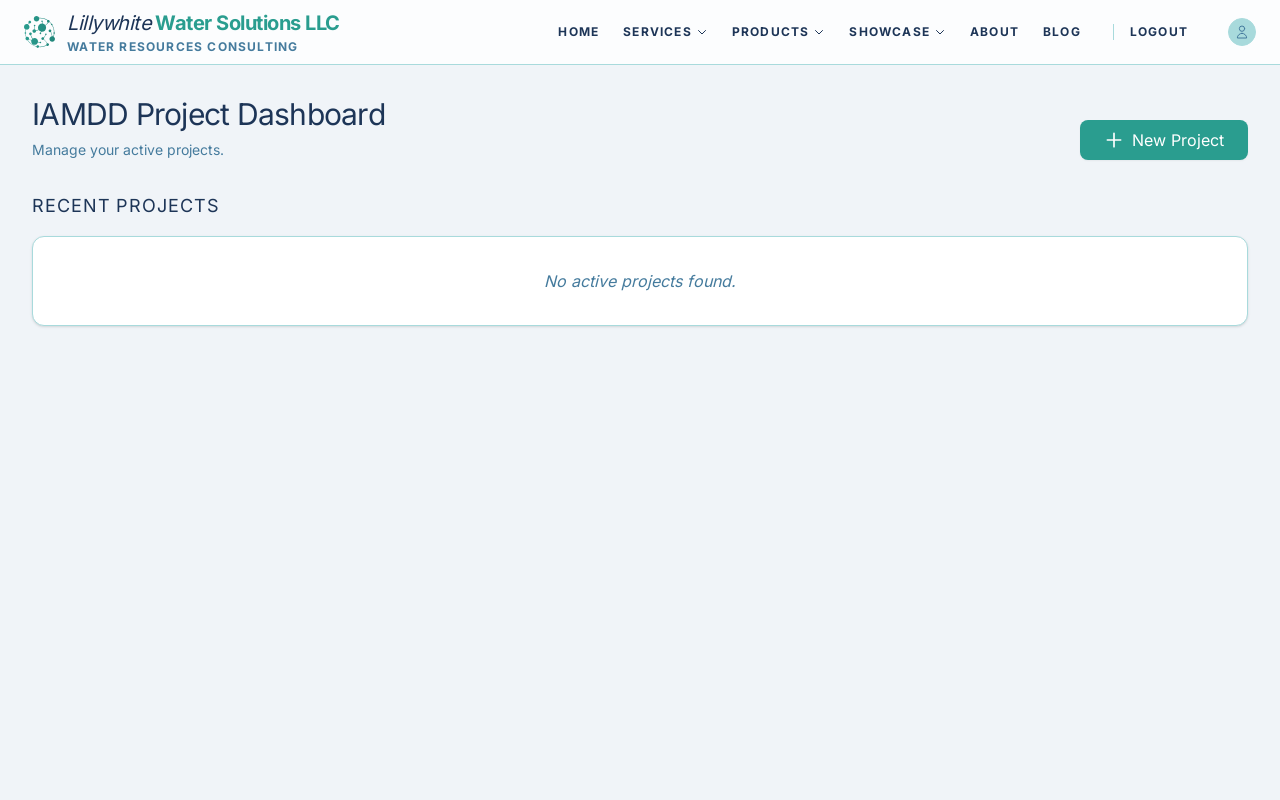
The dashboard presents a list of all your active projects. From here you can:
- Open: Click anywhere on a project row to load that specific model and resume your work right where you left off.
- Delete: Remove obsolete projects (note: this action cannot be undone).
The current Beta version limits users to a maximum of 3 concurrent projects.